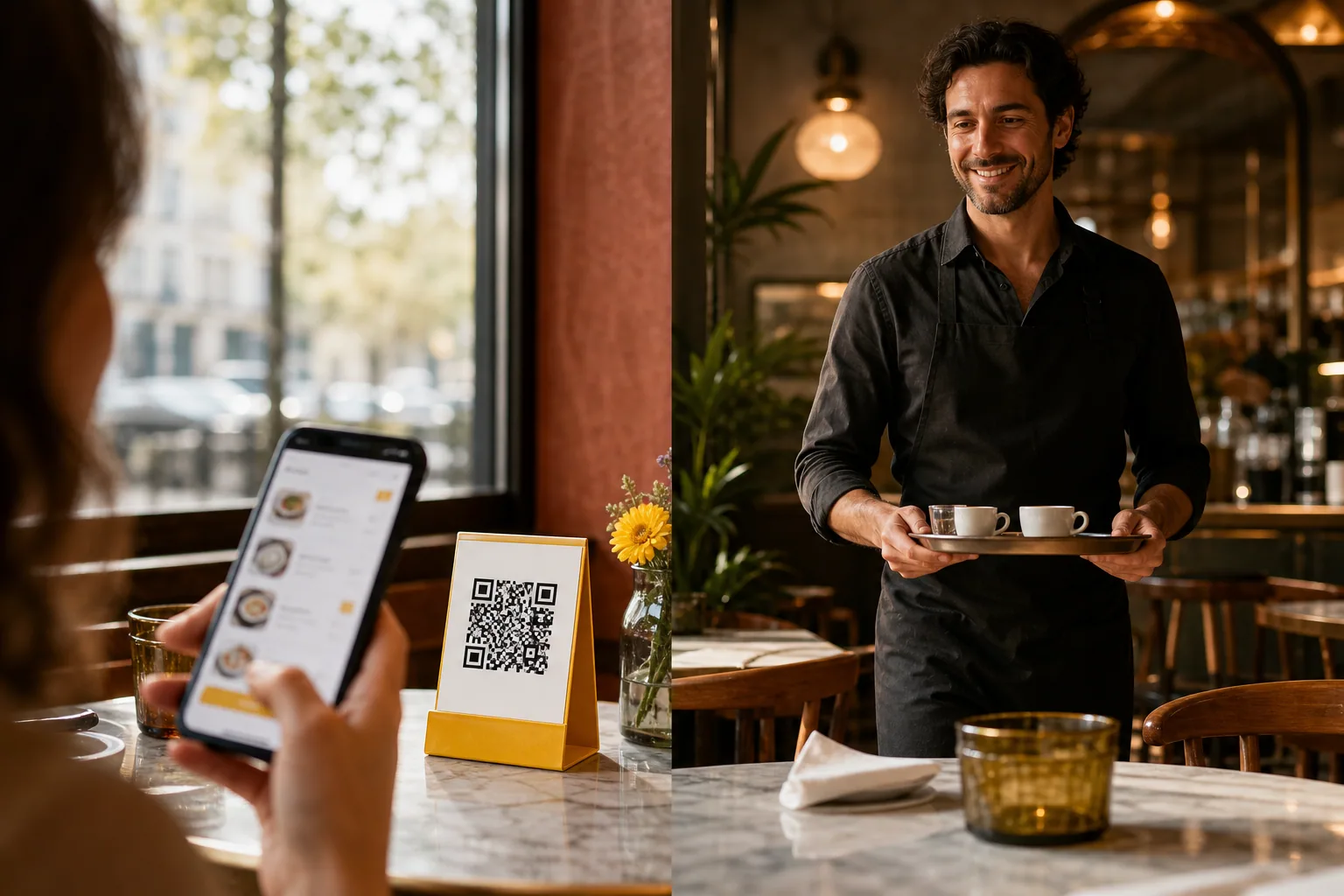
Free QR menu generator: get your restaurant online in 60 seconds
Upload a PDF, get a branded QR code. No signup, no card, no watermark-heavy junk. Here's the honest guide — plus what most 'free' generators won't tell you.
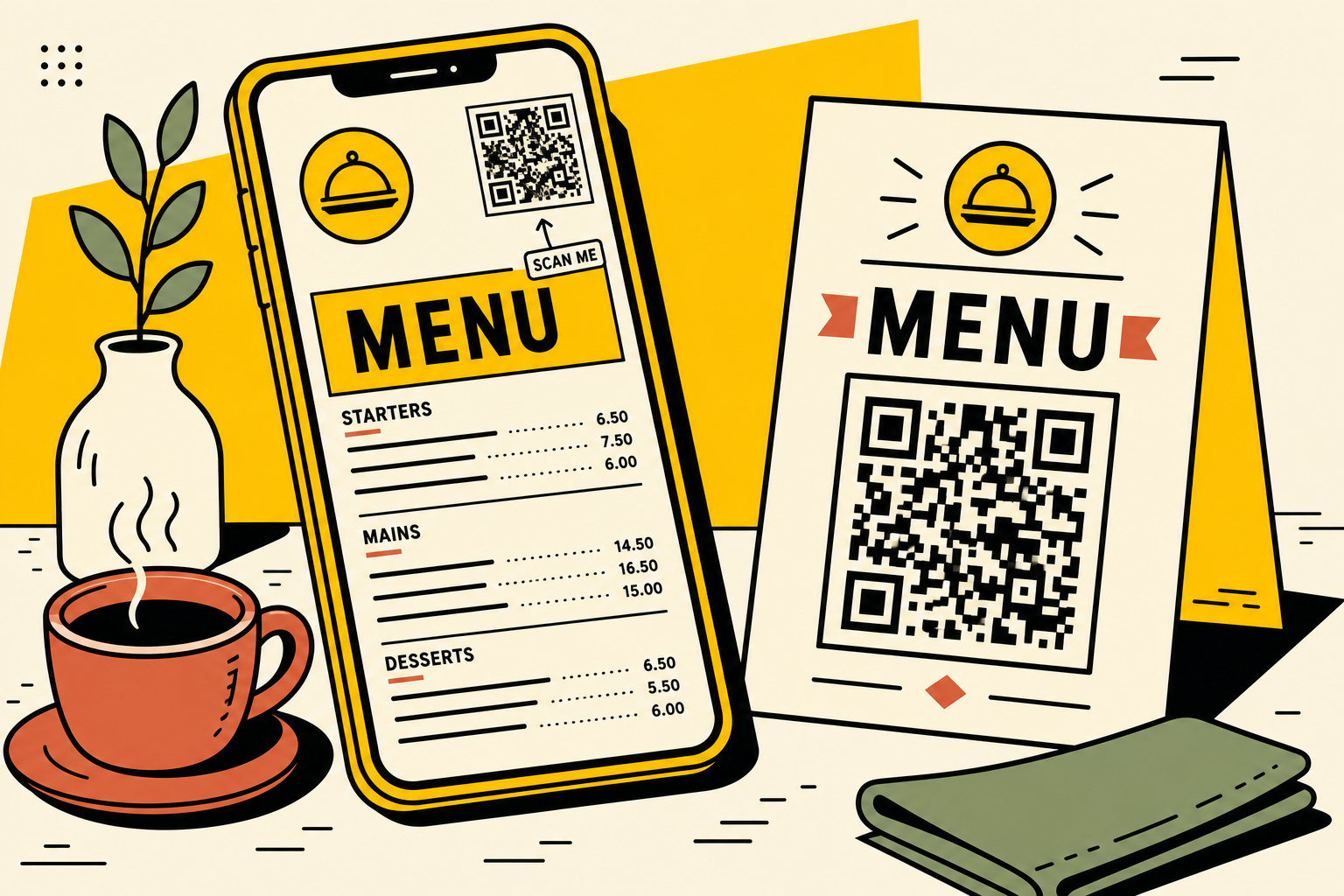
Every restaurateur we talk to has already tried one of the "free QR code generators" that clog the first page of Google. Most of them are a bait-and-switch: free QR image, but the menu is hosted on a random domain full of ads, the QR expires after 14 days, or the "download HD" button quietly asks for €19.
We built Menu Express because we needed a version that respects the merchant. This post is the guide we wish existed when we started.
What a QR menu actually needs to be usable
The QR is the easy part. Any library can encode a URL into pixels. The hard part is what the QR points at:
- A stable URL — if the page moves in 6 months you're reprinting stickers.
- A branded page — customers should see your restaurant, not the tool's logo.
- PDF that actually renders on iOS Safari — half the free tools serve PDFs that force download instead of inline preview.
- No ads, no tracking pixels the merchant didn't ask for.
- Analytics — you want to know if people actually scan, even loosely.
Anything less is a demo, not a product.
The 60-second flow
Here's what happens when you use Menu Express:
- Drop your menu — PDF, PNG or JPG. Up to 15 MB. Whatever came out of your designer's Canva.
- Get your QR back immediately — as a downloadable PNG, plus a URL like `waiterr.app/m/AB12CD` to print on receipts.
- Progressive polish (optional, do it later): add your name, logo, opening hours, address, socials. Google Places autofills most of it.
- Save the menu by creating a free account so you can update the PDF without redoing the QR.
Steps 1 and 2 take under a minute. Steps 3 and 4 are for when service is over and you have coffee in hand.
What's actually free
Full transparency — this is the split between free and paid:
Free forever - QR generation with a small Waiterr wordmark in the corner. - Branded page with logo, banner, hours, socials, address. - PDF/image menu inline on mobile. - Analytics on total scans. - Unlimited PDF replacements (same QR keeps working).
Pro pack — one-time €9.99 - Watermark removed from the QR. - Custom brand color on the page. - HD QR download for print (300 DPI). - Per-day scan analytics.
No subscription. Buy once, keep the QR for as long as your restaurant exists. If you eventually want full QR ordering with payments that's a separate product with a proper monthly plan.
Why the URL matters more than the QR
Restaurants that print their QR on a nice PVC stand almost always forget one thing: the URL will outlive the current menu.
Menus change. Prices change. Your fall menu isn't your spring menu. The QR image itself should never encode the menu — it should encode a stable URL that redirects to the current menu.
With Menu Express the URL is bound to your establishment, not the file. Upload a new PDF, same URL keeps working, same sticker on the table keeps working. That's a two-year cost saving on reprints.
Common mistakes to avoid
We've watched hundreds of restaurants set up their first QR. The three most common failures:
- Printing the QR too small. iOS scans QRs from 30cm reliably; below 2×2cm they fail on older Android phones. Print at 4×4cm minimum.
- QR on a dark table with no contrast. Camera autoexposure kills the scan. White margin around the QR is not optional.
- Menu PDF too heavy. A 40MB PDF over 4G is unusable. Aim for under 3MB. If your designer refuses, ask for JPG export at 85% quality.
When a static PDF isn't enough
If you sell 50+ covers per service, at some point the static PDF becomes a bottleneck. Guests want to search, filter allergens, see photos, add to a cart, pay. That's when you move to interactive QR ordering — same QR code on the table, richer experience behind it.
Menu Express is the on-ramp. Most of our paying customers started with a PDF QR and upgraded when they realised the manual order-taking was capping their throughput.
Get started
Try Menu Express — no account, no card, real QR in about 60 seconds. If you get stuck, or want to see how the paid version handles things like allergen filtering and mobile payments, book a 15-min demo.
Want this running in your venue?
Book a 15-minute demo — we show you the exact setup top operators use.